
[ Getting started ]
Your first test
Test your MCP application manually, then turn your session into an automated end-to-end test in under 5 minutes.
- 1
Start MCP Studio
Run `mcp-studio` in your terminal — it will open localhost:7777 in your browser automatically, or you can navigate there manually.
$ mcp-studio - 2
Connect your MCP application
You need to prepare your mcp server url to connect your MCP application. For authentication, MCP Studio supports OAuth2.1, header-based authentication.
By default, MCP Studio includes an Excalidraw profile at https://mcp.excalidraw.com/mcp
mcp studio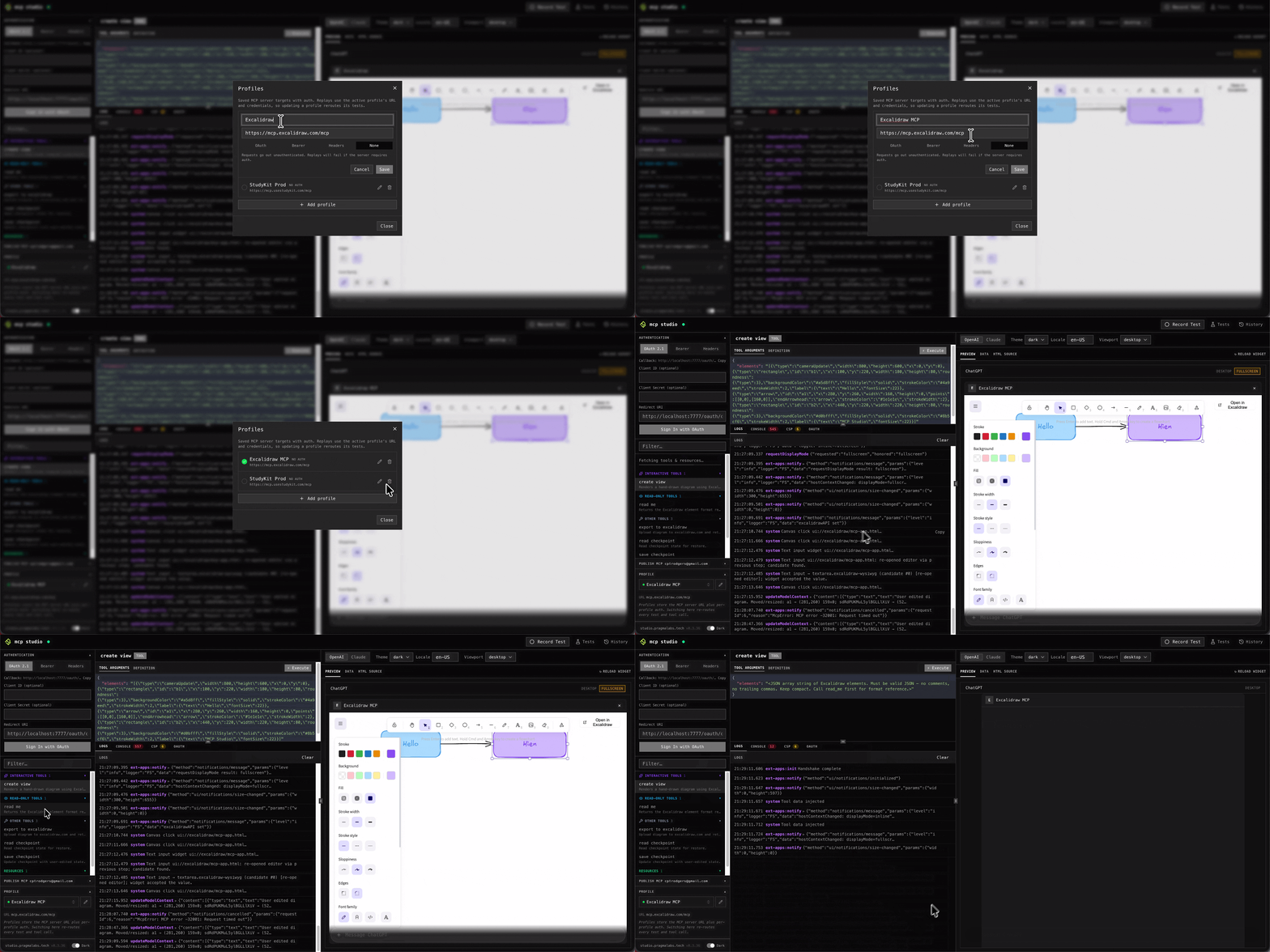
Profile editor: enter your MCP application URL and a name to save it. - 3
Call a tool
Pick a tool from the sidebar, fill in the arguments under the Tool Arguments tab, and click Execute. The response appears in the Logs panel below.
In the example below we call
create_viewwith:create_view{ "elements": "[ { "type": "rectangle", "id": "b1", "label": { "text": "Hello" }, ... }, { "type": "arrow", "id": "a1", ... }, { "type": "rectangle", "id": "b2", "label": { "text": "MCP Studio" }, ... } ]" }mcp studio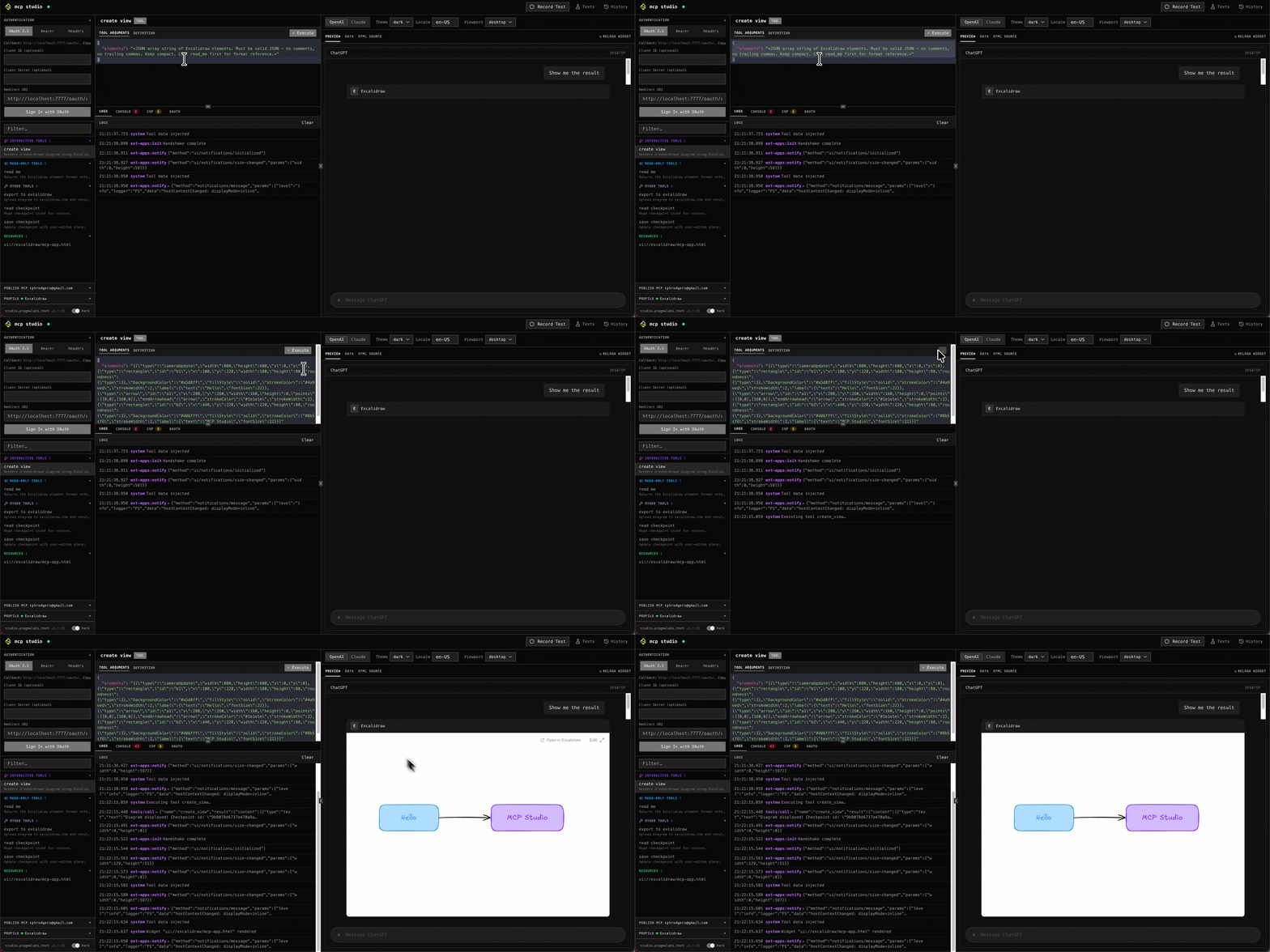
Executing a tool and inspecting the response in the log. - 4
Interact with widget UI
If the tool returns a widget, it renders automatically in the Preview panel. Use the top bar to switch between ChatGPT, Claude, desktop, and mobile viewports and interact with it just as your users would.
mcp studio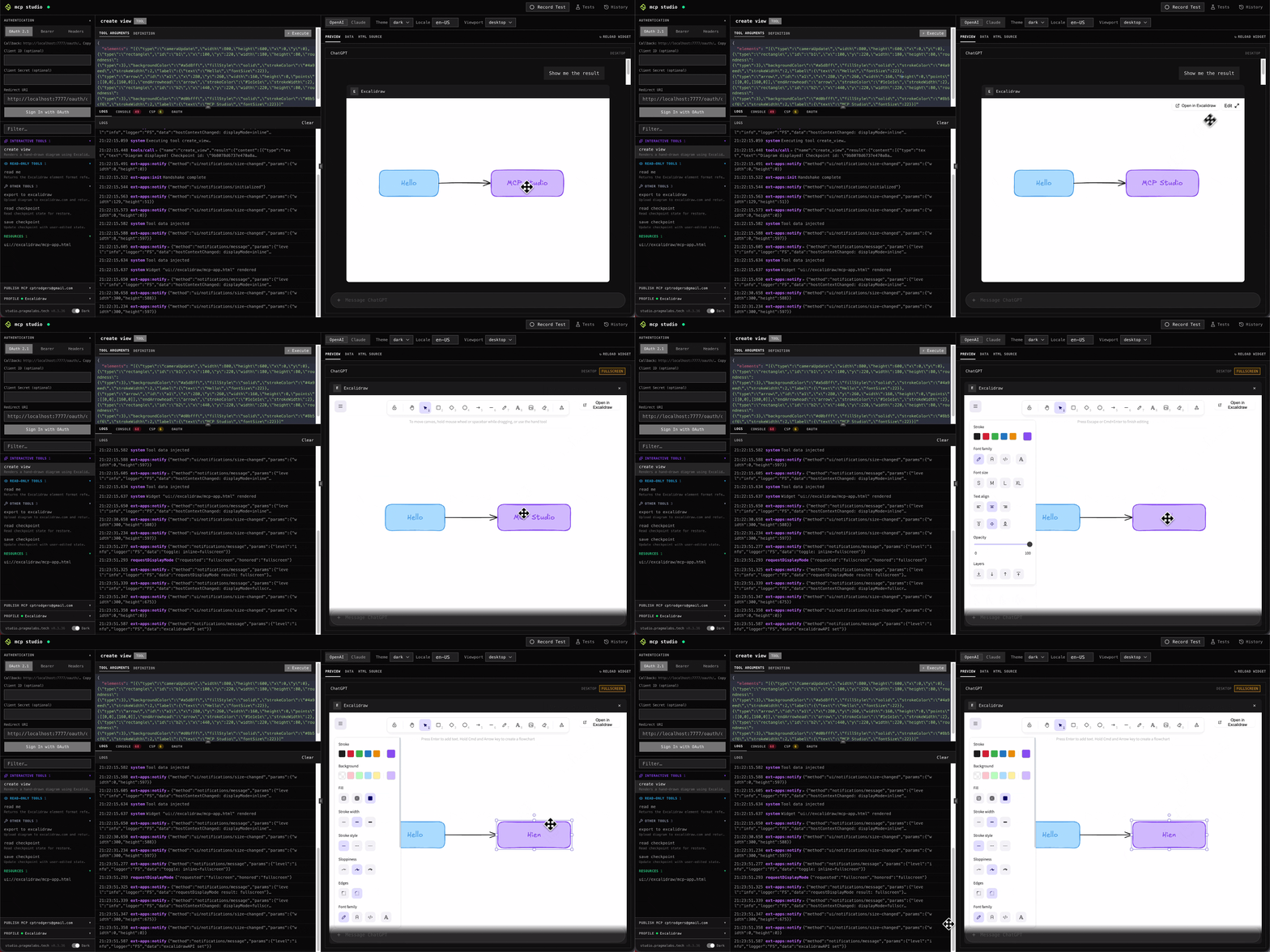
Widget rendered live — switching viewports in the preview panel. - 5
Record the session
Click Record Test in the toolbar, repeat the tool calls you want to capture, then click Stop Record Test. Give the test a name and save it — no code to write.
mcp studio
Click Record Test to start capturing. mcp studio
Click Stop Record Test, name it, and save. - 6
Run step-by-step
Open the Tests panel, find the test you just saved, and use the step-by-step controls to replay it one action at a time. Each step shows its result inline so you can pinpoint exactly where something differs.
mcp studio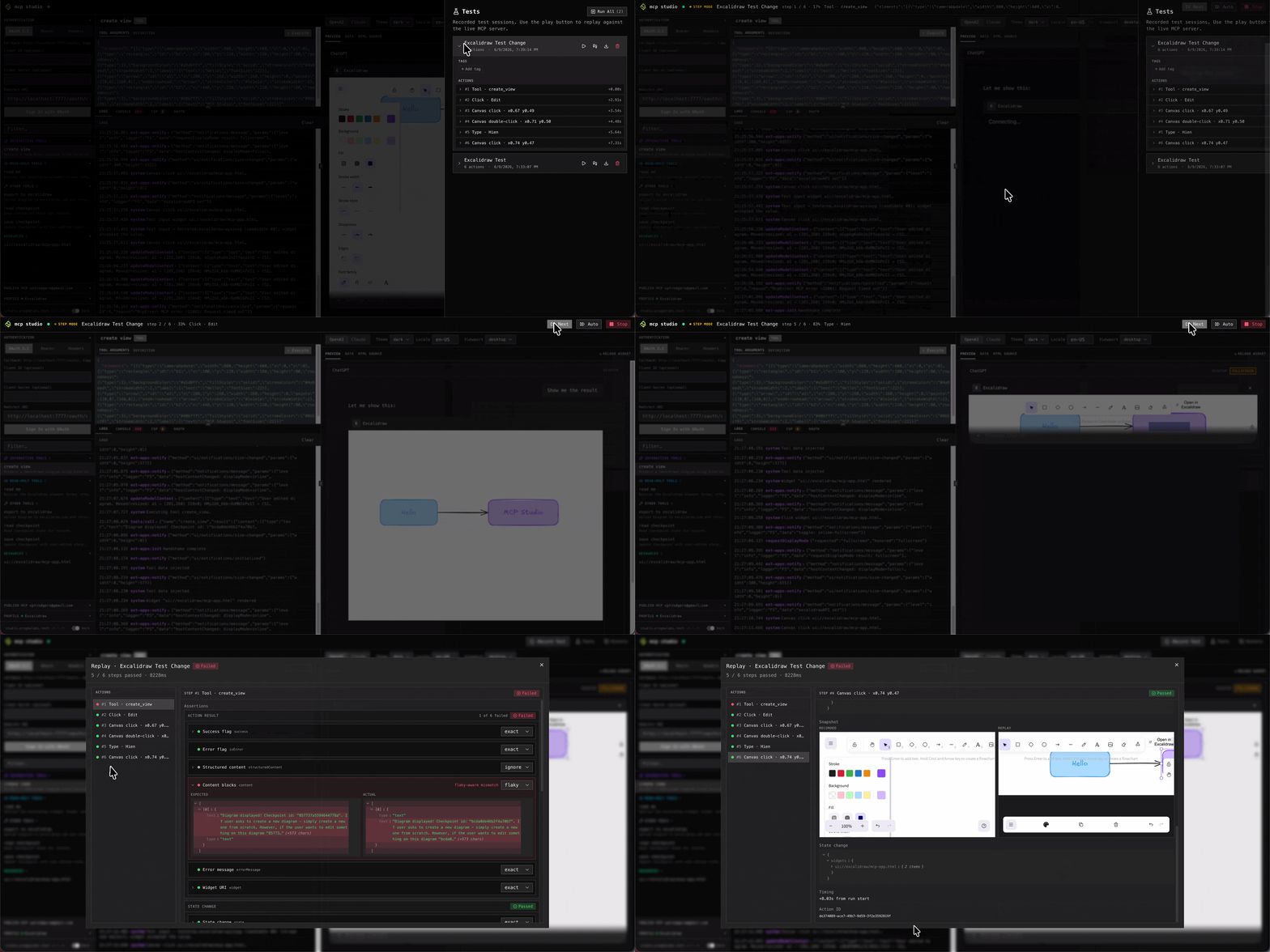
Stepping through a recorded test one action at a time. - 7
Replay E2E test
Run the full test suite any time after a code change or new release. Every recorded step is replayed automatically and checked against the saved assertions — a pass/fail report is shown at the end.
mcp studio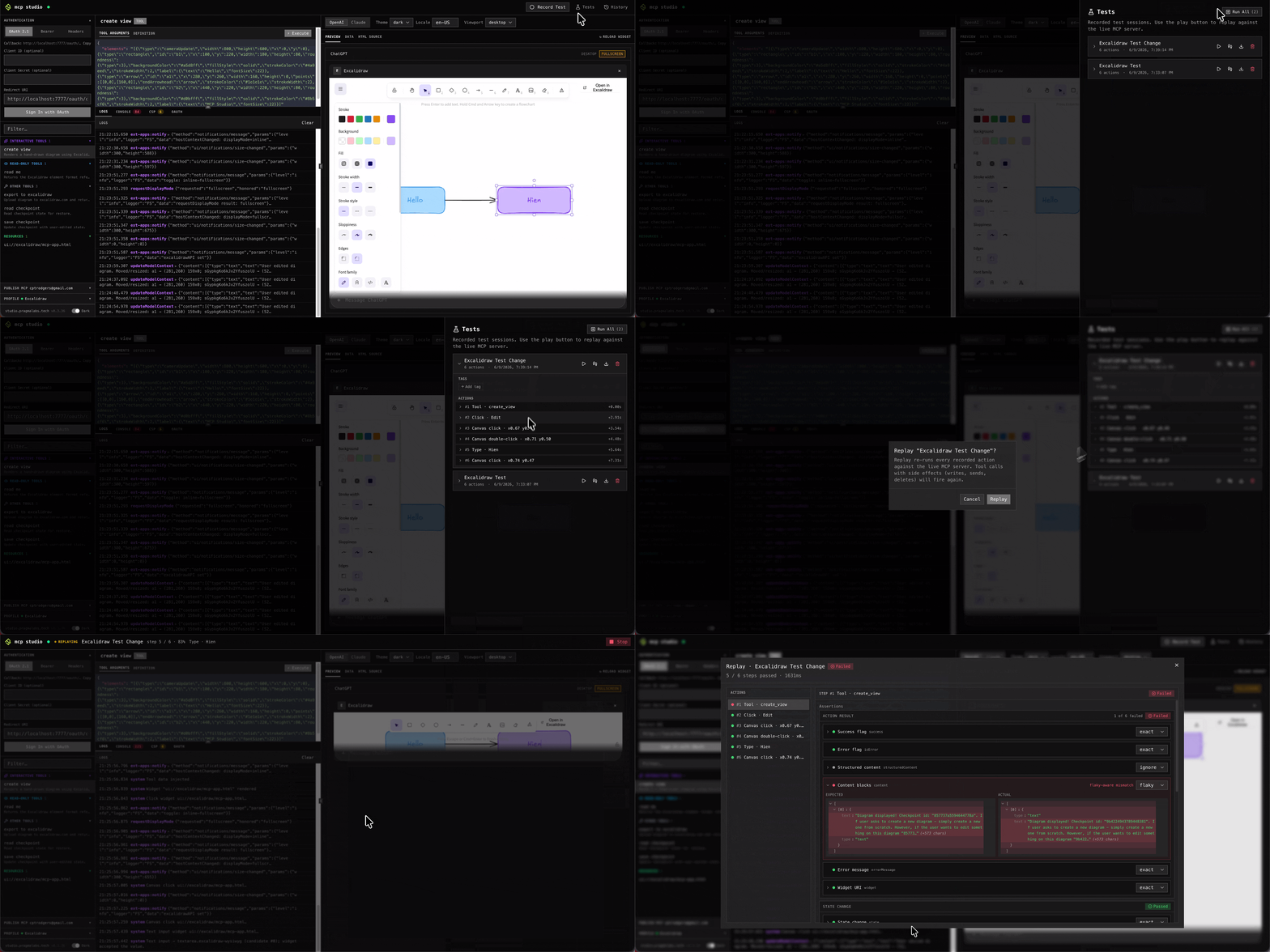
Full E2E replay with pass/fail results.